
Listen to PDFs and books offline on your iPhone.
Prepare your Earlo library before you travel. Learn what narration, imports, OCR and optional iCloud sync need to work.
of your next read.
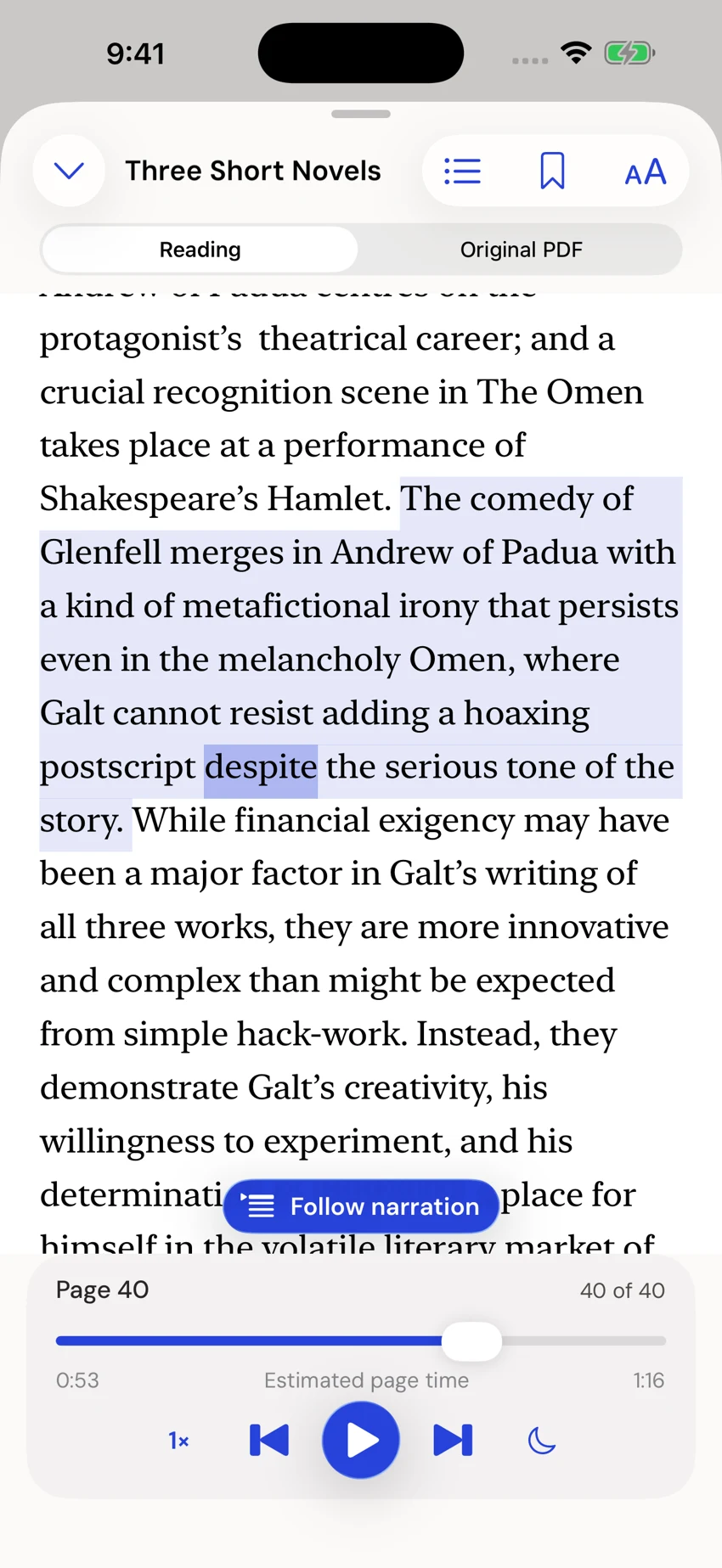
Earlo interface shown with sample content.
Start with a saved document.
Earlo generates narration on your device. Once a book or paper is imported, you can listen without a cloud speech connection or an Earlo account. This is useful on a flight, during a commute, or whenever your connection is unreliable.
Before leaving, import the documents you want to read and open them to check that preparation has finished. A link to a file is not the same as a saved copy. Files stored only in a cloud provider may first need to download to your device.
Prepare a small listening queue.
Add a PDF or EPUB from Files, choose your voice, and play a short section to confirm the document reads as expected. Set your preferred speed and pitch, then add whole books or papers to the queue.
The queue resumes documents at their saved positions and moves on when a document finishes. It is local to your device. Collections are useful for organizing a wider library, while the queue decides what you will hear next.
What works without a connection?
Saved reading, on-device narration, pronunciation controls and English OCR work offline. You can follow the spoken word, switch between a PDF’s continuous reading view and its original pages, and keep notes and bookmarks.
For a printed page or photograph, review the recognized text and page order before saving. OCR can misread small text, unusual type, tables and equations. Check the source before relying on those passages.
What still needs the internet?
DOI and arXiv lookups, Zotero browsing and downloads, and importing a webpage require a connection. Complete those steps while online; saved content can then be read locally.
Optional iCloud sync uses your Apple Account to keep supported library data across devices. Sync needs connectivity and is separate from local narration. Make sure a document is present on the device you plan to take with you.
Take an audio copy when useful.
Earlo can export an MP3 of a book, chapter, selected passage or page range using your chosen voice and settings. Create the export when you want an audio file for another player or a particular listening session.
The exported file is separate from your reading position and Earlo’s interactive highlighting. Keep Earlo’s original document if you also want to move between reading, notes and listening.
A quick check before you go.
Open your next document, play a passage, and confirm that the original pages are available. Then try a short listen with the connection switched off. This checks your actual library preparation rather than assuming that a cloud file has been saved.
Keep enough storage for your books, originals and exports. Earlo manages its narration cache separately; the cache controls do not delete your original documents, notes or exported audio.