
How to listen to research papers with Earlo.
From DOI and Zotero to focused listening, useful notes, and the original source.
of your next read.
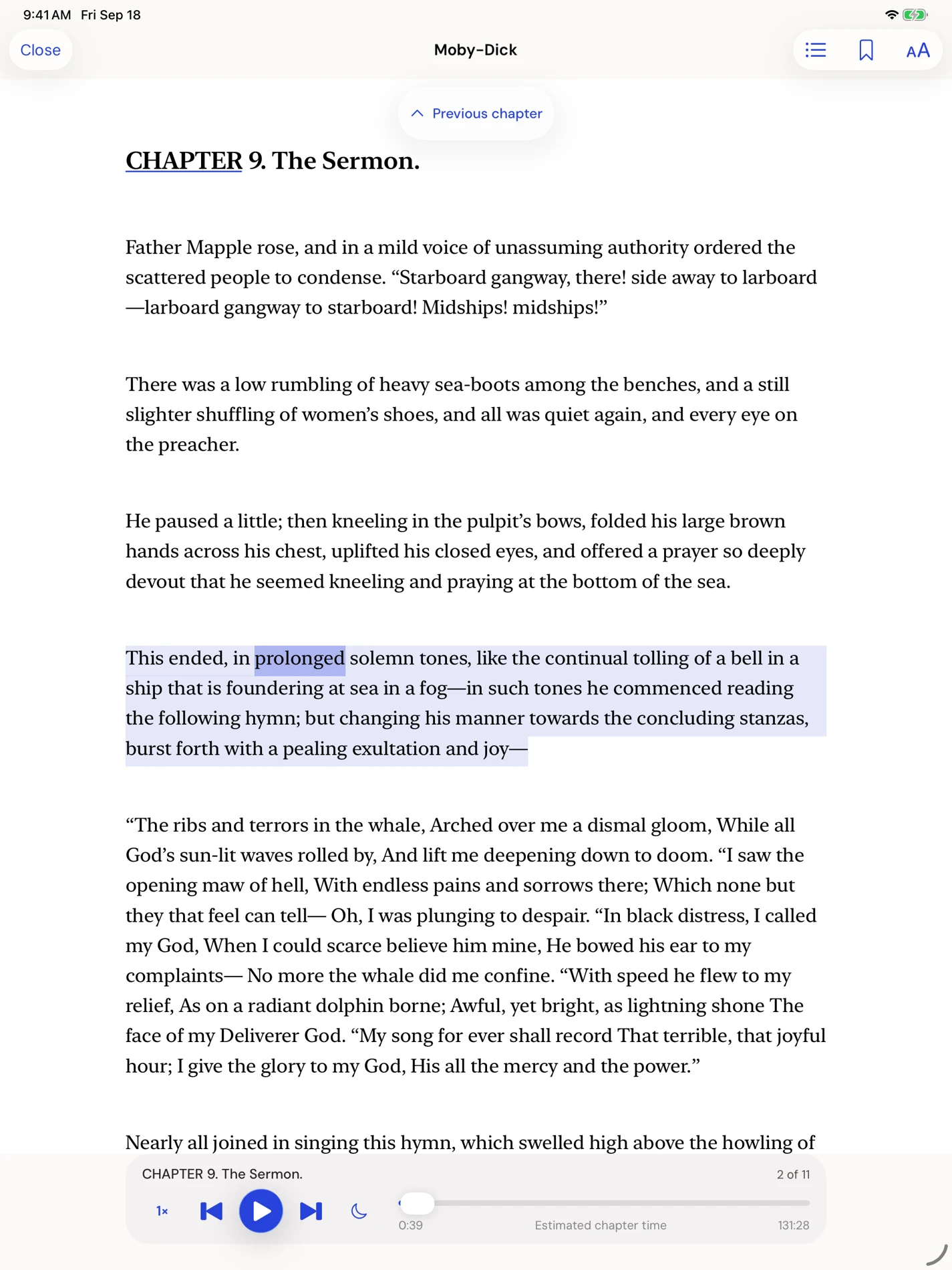
Earlo interface shown with sample content.
Before you start.
Have a paper PDF you can access, or a DOI or arXiv identifier for a paper you want to find. Online lookup and Zotero imports need a connection. Metadata helps identify the work, but it does not guarantee that its full text is available.
Import one paper first and listen to a section while viewing the source. This lets you check the layout, citation handling and pronunciation before preparing a longer queue.
Bring your paper, wherever it lives.
Use the research-paper import action for a PDF, or enter a DOI or arXiv identifier. Earlo looks up the bibliographic information so you can review the paper before adding it. If full text is unavailable from the source, you can supply the PDF from Files.
For a Zotero library, connect a personal or group account from Settings, browse or search its collections, and select the PDFs you want to import. This connection is read-only and on demand. Earlo does not synchronize annotations back to Zotero.
Keep your attention on the prose.
Research narration skips recognized inline citations and reference lists by default. Those passages remain in the visible source, and you can restore them through the research controls.
Section navigation helps you move through a paper. Scientific speech handling covers common notation, abbreviations, and units, while the pronunciation dictionary gives you control over names and specialist terms.
Listen with the original close by.
Read-along highlighting keeps the spoken passage connected to the text. When a diagram, table, or equation needs a closer look, switch to the original PDF.
Complex equations, tables, unusual layouts, and OCR can need review. Earlo is a reading companion, not a replacement for checking the source. It does not promise a complete interpretation of every scientific expression.
Make notes you can find again.
Select a useful passage and add a note or bookmark. Saved locations take you back into context. Collections help you group papers by project, topic, or a question you are exploring.
Use the listening queue for a sequence of whole documents. It resumes each item from its saved place and advances when that document finishes. The queue is local to the device.
Let your work travel.
Export citations in RIS or BibTeX and notes as Markdown for the rest of your research workflow. You can export narrated audio as MP3, too.
Ask AI prepares a selected passage, its citation, and an editable instruction for an external app such as ChatGPT, Claude, or Gemini. You review and send the material yourself. It does not automatically upload your paper or submit a prompt.
Stay in control of your library.
Once imported, saved papers and narration work offline. Optional private iCloud sync uses your Apple Account. Disconnecting Zotero leaves papers you already imported in your local library.
Earlo preserves existing copies, annotations, and saved positions. A preprint and a published article, or different arXiv revisions, can remain distinct so the version you are reading stays clear.